
Quick start
Add a folder, search your files and ask your first question.
1. Install and open
Choose an installer on the installation page. For agent-only use, follow Agent integration; the desktop app is optional.
On first initialization, the app creates Documents/sag-wiki/clippings and adds Documents/sag-wiki to folder management. Use it for notes and web clippings, or add other folders. Existing libraries are unchanged.
2. Add a folder
In the sidebar, click + beside folder management, select the folder containing your documents, and wait for indexing. Your original files remain where they are.
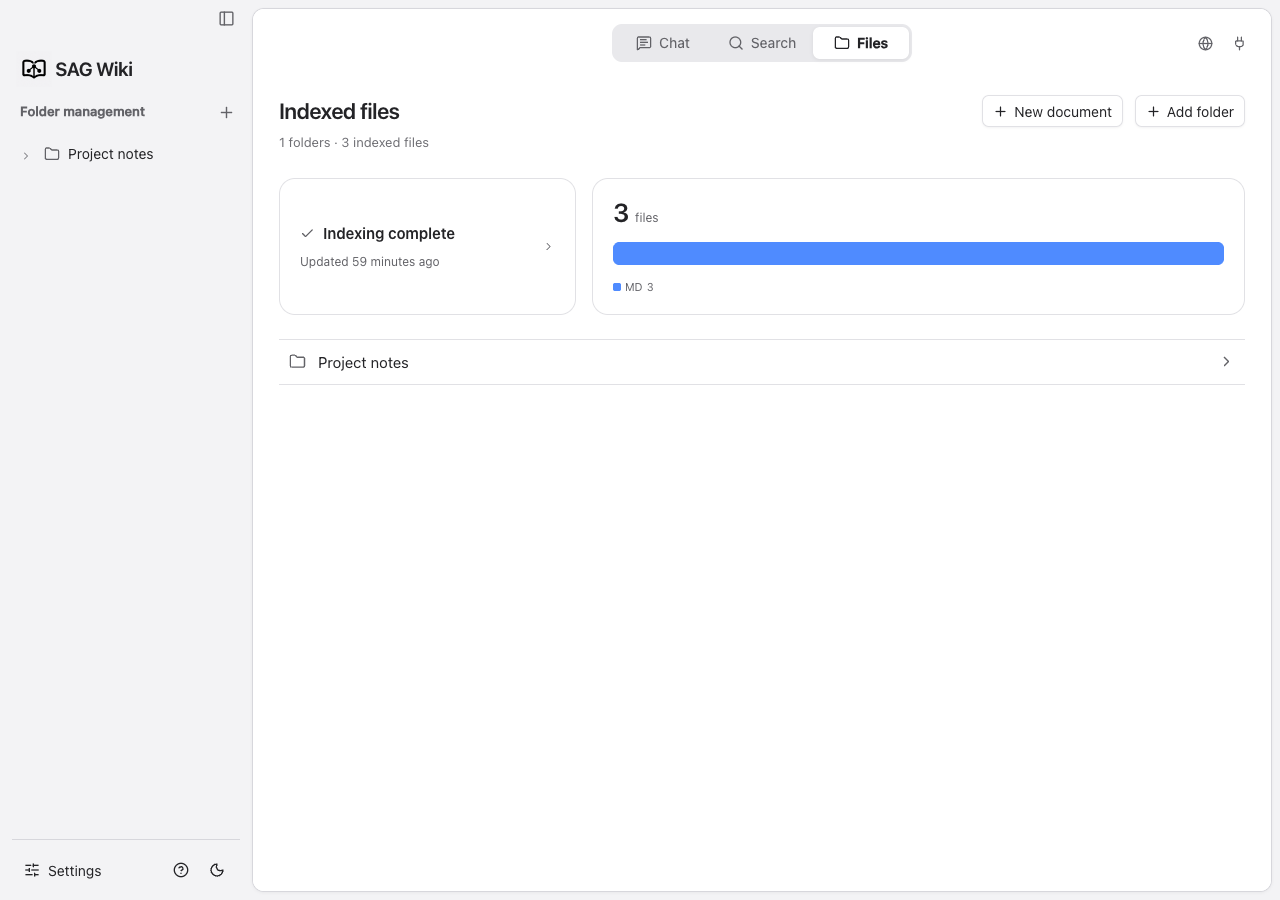
The screenshots use the Project notes example folder. You can follow the same steps with your own documents.
3. Search your files
Open Search and enter a word from a document. Use quick search first, then select a result to view the source and highlighted matches.
4. Search by question
Configure a Jev endpoint, model and API key in model settings. Choose deep search and enter a complete question:
How does this project handle login and permissions?5. Ask a question
Configure an answer model and open Q&A. Wait for retrieval and generation, then open a citation to check the original source. Type @ to select a file.
Check your setup