
Installation
Use the desktop app or install the standalone CLI.
Desktop app
Loading the latest release… Open the latest release
On macOS, open the DMG and drag SAG Wiki into Applications. On Windows, run the installer and follow its steps. The installer offers Simplified Chinese, Traditional Chinese and English.
Open the latest stable release for installers and release notes
CLI only
Node.js 18 or later is required. The npm package includes native binaries for macOS Apple Silicon and Windows x64. No Rust toolchain or source build is needed.
npm install -g @zleap-ai/sag
sag --version
Installing the CLI does not install the desktop app. Continue with Agent integration or the CLI reference.
Updates
Use in-app updates or download a newer desktop installer. Update an npm-managed CLI with npm install -g @zleap-ai/sag.
Files and settings
About and software updates
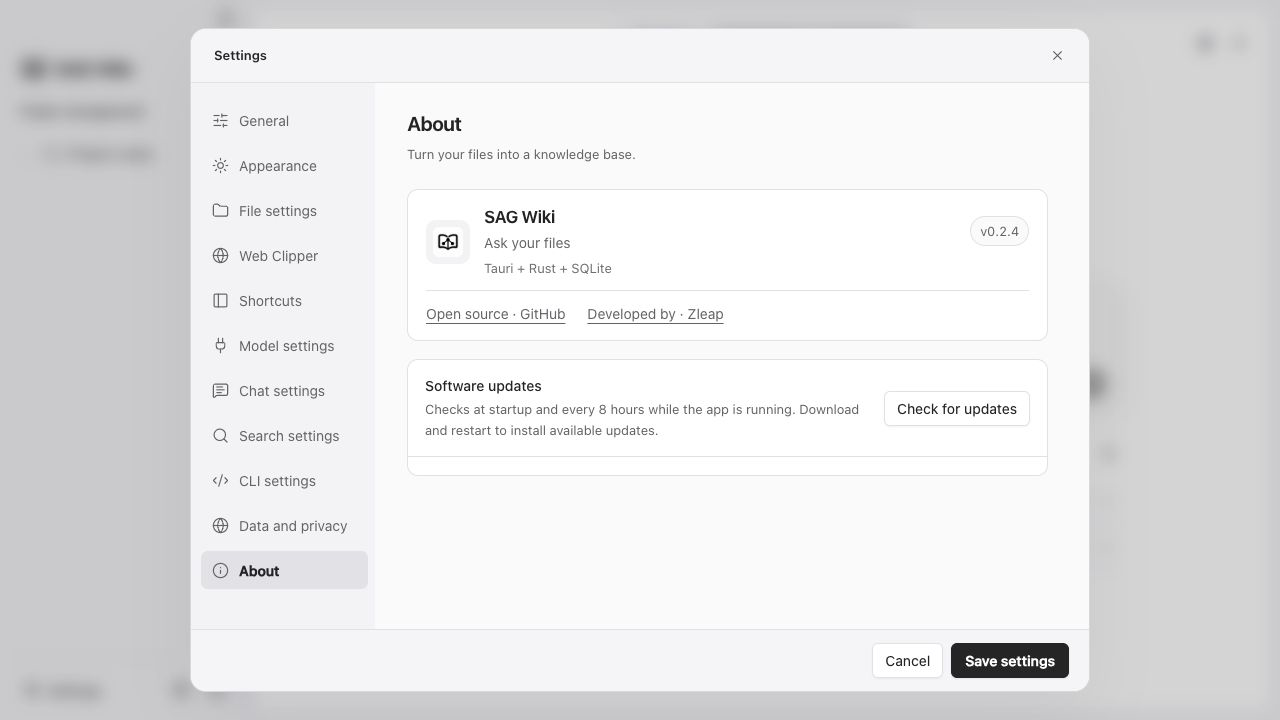
Location: Settings → About. This page shows the installed version and links to the open-source project and developer.
The app checks for updates at startup and every 8 hours while it stays running. Select Check updates to check manually. When notified of a new version, select Download update and wait for verification. The action then becomes Restart and update.
- Continue using the app during download; closing Settings does not interrupt it.
- Handle unsaved documents before installation, following the save or cancel prompt.
- Exiting the whole app requires an unfinished download to start again.
- Failures display an error. Recheck or download the full installer from GitHub.
- Updates replace application files while preserving the knowledge base, conversations and originals.
About shows the installed program version. This page reads the latest stable version, installer URLs and actual sizes from GitHub when opened.