
SAG Wiki
A local knowledge base for you and your agents.
Add a folder to make your documents, notes and code searchable. Find source passages, ask questions with citations, and give your agents access to the same knowledge base.
Quick start
Add your first folder and run a search.
Install for agents
One setup instruction for Claude Code, Codex and OpenCode.
Download the desktop app
Get the macOS or Windows installer.
CLI reference
Install the CLI, manage projects and search by meaning.
Start with your local files
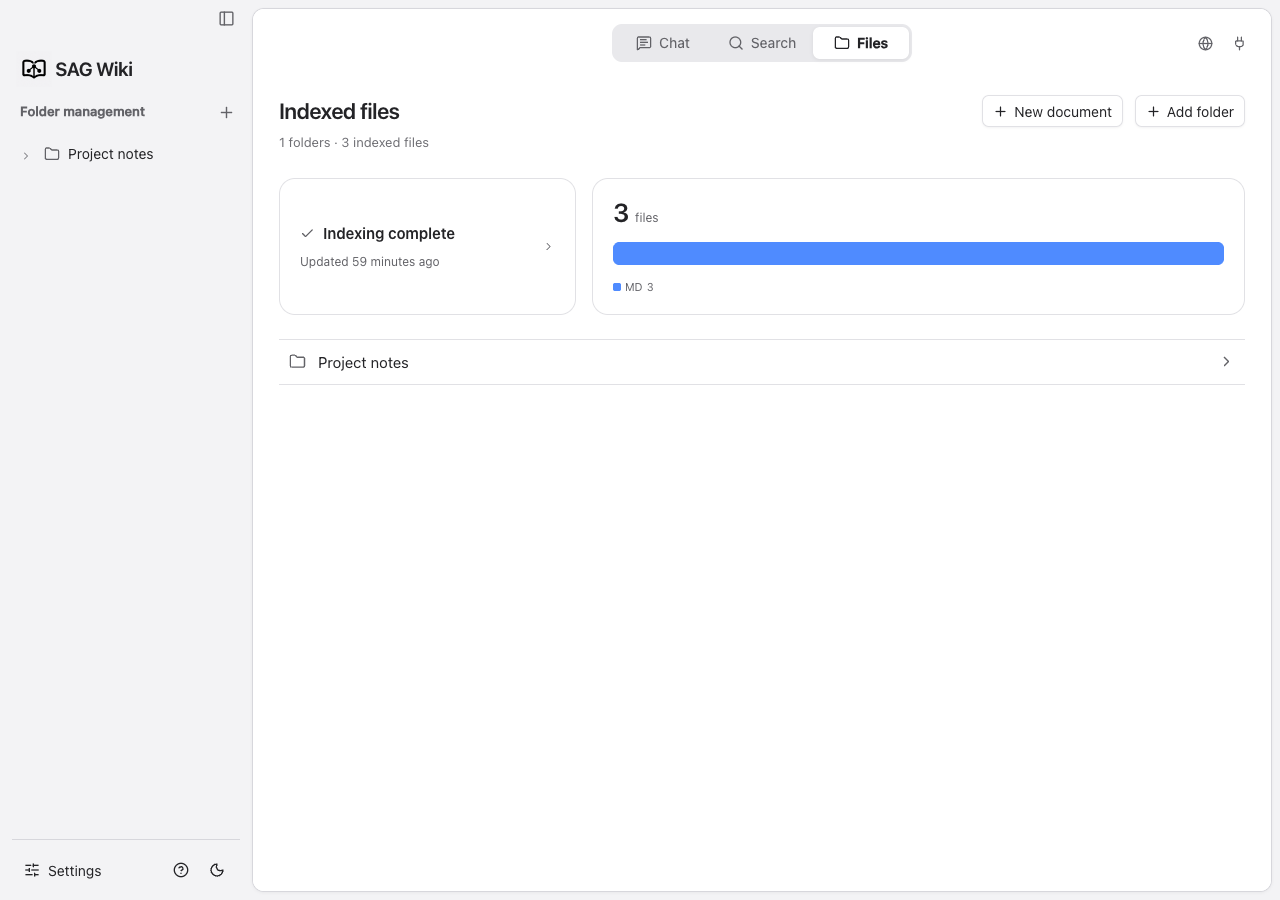
SAG Wiki reads the folders you add and keeps original files in place. The desktop app and CLI share one local service, index and configuration. The CLI remains available after the desktop app closes.
Choose your workflow
| Task | Start here | Requirements |
|---|---|---|
| Find words, files and source passages | Search | Add a folder; no model key needed |
| Find evidence for a question across documents | Deep search | Configure Jev |
| Generate an answer with citations | Q&A | An answer model; Jev for semantic retrieval |
| Let an agent search your project | Agent integration | CLI, Skill and Jev configuration |
Fast indexing, original sources
Indexing requires no LLM or embedding model. Existing measurements show about 200 ms per million characters; actual time varies with hardware, file count, format and conversion work.
Search results keep source locations. Answer citations open the full document, scroll to the relevant passage and highlight it.
Your data
Project and feedback
Source on GitHub · Downloads · Report an issue
Learn more
- Changelog: major additions and changes to existing workflows.
- Technical overview: candidate retrieval, Jev judgments and cross-document expansion.
- Settings index: detailed guidance for each settings category.